
Pocky Game requires two players for local multiplayer
Published October 8, 2026
The short answer is clear: local multiplayer in the Pocky game needs two players. One person controls Pocky. The other controls Rocky. This is a shared-screen mode, so both players sit at the same game and use separate controls.
That detail is easy to miss. Old browser game pages often show a large Play button, a tiny control list, and little else. The game may start with one player ready. The second player then joins through the player or character setup. There is no mystery rival waiting online. Local means local.
The two-player setup
Pocky and Rocky is a top-down action game. Pocky is a shrine maiden, while Rocky is her tanuki partner. They move through stages, fight enemies, and use their own attacks. The game was built around teamwork when two people play together.
The important choice comes before the action begins. The character screen lets players select Pocky or Rocky. With one player, the game can focus on a single character. With two players, each person takes one role. The second character is not a computer helper taking turns. A second human player is needed.
That makes the local mode different from a normal single-player run. Both players share the same space. They also share the pressure from enemies, pickups, and crowded screens. One player can move ahead while the other clears a path. That sounds simple. It can also become wonderfully messy.
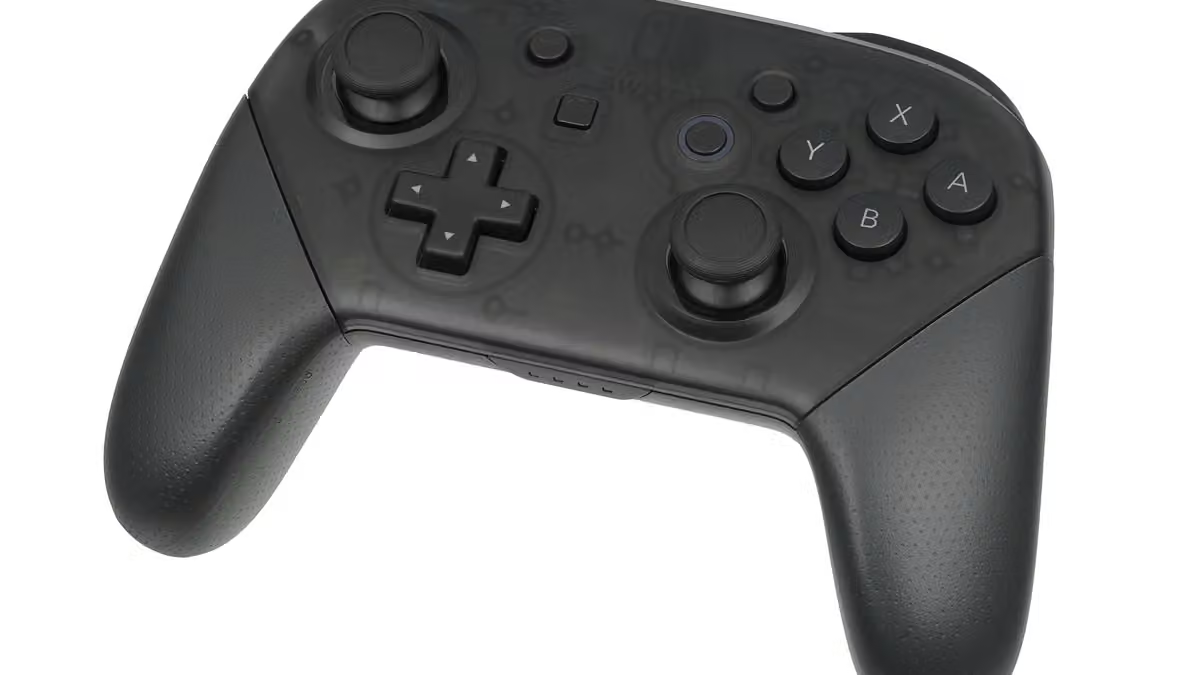
The controls depend on the version being used. Original console controls, browser ports, and emulator pages may place buttons in different spots. A browser version can use a keyboard, a gamepad, or an on-screen control layout. The exact keys are not safe to assume from the title alone.
This is where old web design shows its age. A game page may list Player One controls and hide Player Two controls in a second panel. Some pages expect a second keyboard set. Others map the second player to another controller. The game itself may support two players, while the page around it explains the setup poorly.
The useful fact stays the same: local co-op needs two control inputs and two people. One keyboard may work in some versions, but that depends on the page and its control settings. A second controller may be needed in others. The game mode does not turn one player into two.
What local multiplayer changes
Two-player play is cooperative. The players are not fighting each other for points. They work through the same stages and deal with the same enemies. The goal is shared progress.
That shared goal affects the pace. Pocky and Rocky uses action game rules, so movement and attacks matter right away. A player can clear enemies while the other collects items or holds a safe position. Good teamwork comes from watching the same screen, not from reading a long rulebook.
The game also has shared resources in its two-player design. Items may need to be divided between the characters. That gives the mode a small social rule: grabbing everything first can make the next section harder for both people. It is a classic co-op problem, and it needs no modern matchmaking system to appear.
The player count is also easy to confuse with other versions. Some Pocky and Rocky releases offer different modes. Pocky and Rocky Reshrined, for example, lists local play for two people and supports separate controllers. That does not prove that every browser version uses the same menus or control mapping.
The safest way to describe the browser game is narrow. If the page presents local multiplayer for Pocky and Rocky, the mode requires two players. The exact keyboard keys, controller support, and start command can change with the version.
That is the honest limit here. “Two-player local” tells us who can play together. It does not promise that every browser page will detect two controllers, or that every emulator will map both players well. Flash-era games were often moved between pages with very little explanation. Compatibility can be part of the puzzle.
Why the answer matters
The phrase “Pocky game” can point to several different things. It may mean Pocky and Rocky, a related title, or a newer browser game using the Pocky name. The title alone does not identify one exact version.
For the classic Pocky and Rocky-style local mode, the answer remains direct. Two people are required for local multiplayer. Each person needs a character and a control input. A solo player can use the single-player mode when the version offers it, but solo play is not the same as local co-op.
This is a small detail, yet it changes the whole setup. Someone opening the game alone may see only one character and think the multiplayer option is broken. Someone with a friend may reach the stage and wonder why the second character never moved. The missing piece is usually player two.
The game does not need a large online service to make the mode work. Local multiplayer means the players share one machine or screen. It is a simple format, but simple does not mean automatic. The second person still has to join, choose a character, and use the right controls.
I like this kind of design because it states its challenge plainly. Two players enter. Two players cooperate. The screen gets busy. Nobody needs a season pass to understand the arrangement.
For browser versions, the page’s control instructions matter as much as the game’s original design. A current page may use an emulator, a port, or a different release. Some versions may run through modern web tools, while others may fail to load or handle the second player well. That uncertainty belongs in the answer.
So the clean guide is this: Pocky Game requires two players for local multiplayer. One controls Pocky, one controls Rocky, and both play on the same screen. The only part that cannot be promised across every browser version is the exact control setup.
That small rule is also the odd bit of history worth keeping. Browser games often hid their best feature behind a second keyboard, a spare controller, or one friend sitting nearby. The Continue Screen is made for small discoveries like this: a classic game, a simple two-player surprise, and one more reason to give an old web format another look.